hello world!
This is BitScan's website.
BitScan is an open-source tool by Tamara (copyleft © tamtamtlb)
for scanning images digitally.
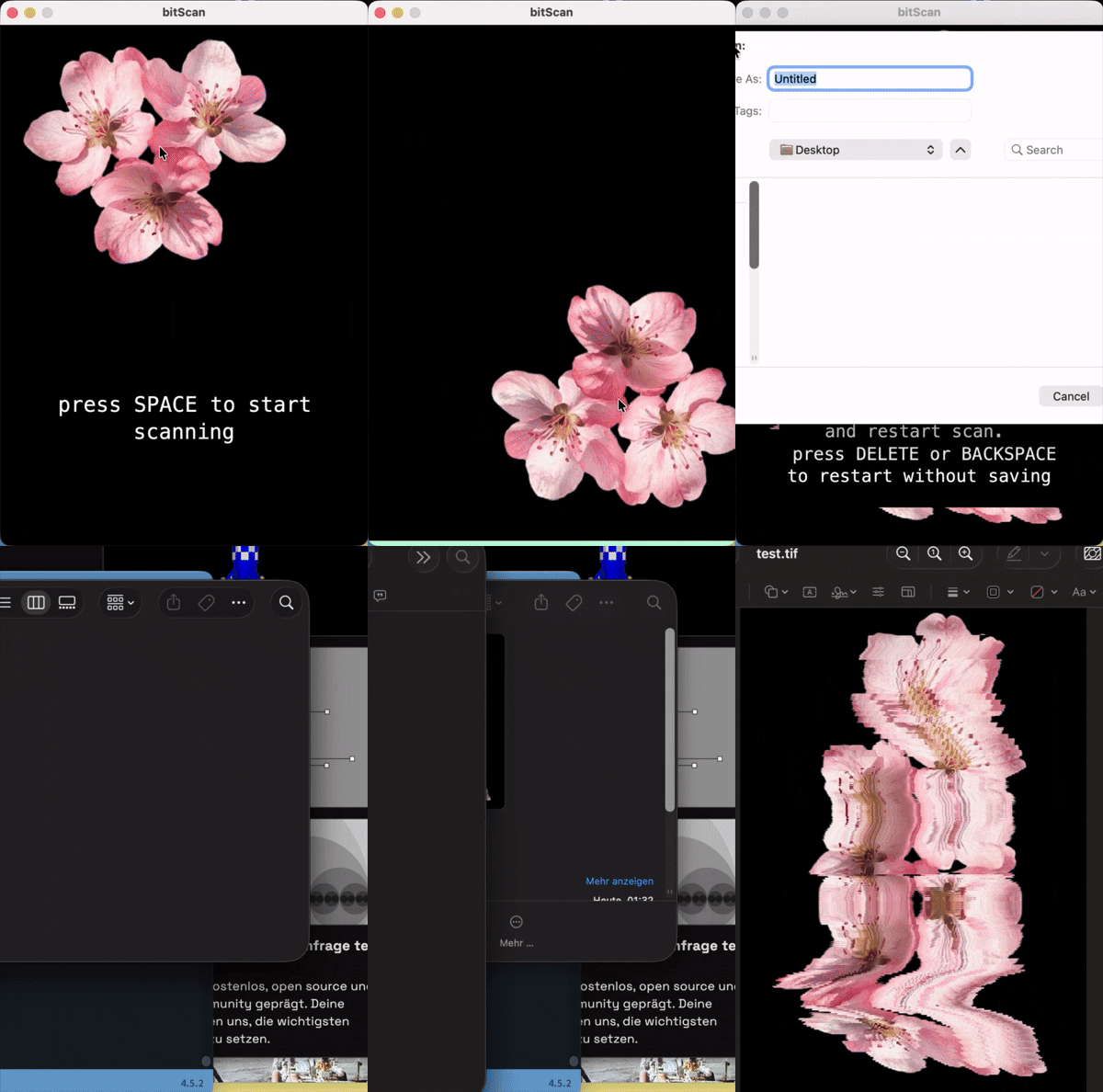
BitScan is a virtual scanography tool. It lets you distort images to
make them look like a glitched photo copy.
The tool is inspired by the slit-scan
photography technique,
various examples of artists using real photocopiers
and by the popular time wrap can filter on tiktok.
How to use
you can either download the source file and edit
and run it using processing or you could
download the executable file for your specific
operating System and Processor.
After you've opened bitScan
1. choose an image (.jpeg, .tif, .png, ...)
2. scale the image to your liking
3. click on "start scan", press SPACE when you're ready.
4. move your mouse around in the window,
rotate the image with the "A" and "S" keys until the scan is done.
5. save the image if you want.
(keep in mind that the program will overwrite files
with the same name without warning).
rinse and repeat!
Notes on the Apple Silicon download
The apple silicon installation requires that you have openJDK 17 installed.
It may be that you can't open the file at first because MacOS believes
that the file is either corrupted or unsafe. In that case, try to right click
the file and then click on "open" or open your terminal and excecute
xattr -cr {adress to your executable}/bitScan.app
You can just write xattr -cr and then drag and drop the bitScan.app file
into your terminal. If you encounter any issues executing the file, please refer first
to the Exporting Applications wiki page of Processing.
BitScan is licensed under the AGPL-3.0 license.